
Batch audio converter for Mac
Mac · On the App Store
Drop a folder of music, convert to the format you want, and keep tags and artwork — no accounts, no uploads.
FormatStand is a Dashwell LLC Mac app, available now on the App Store. A local-first batch converter for musicians and archivists who work in folders — not one file at a time.
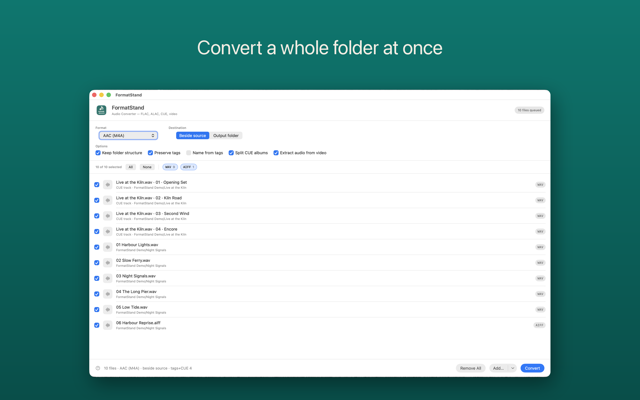
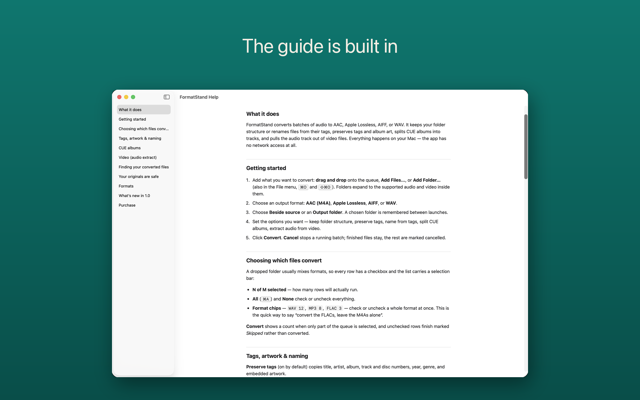
Drag in files, folders, or both. Output to AAC (M4A), Apple Lossless, AIFF, or WAV — beside the source or into a remembered folder.
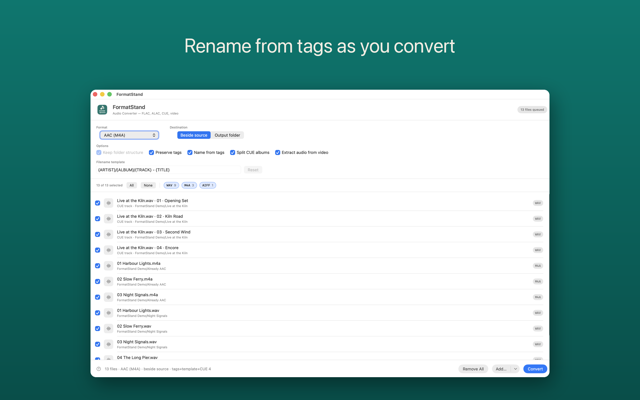
Title, artist, album, track numbers, and embedded art come across. Missing cover? FormatStand uses cover.jpg or folder.jpg beside the audio.
Read a .cue sheet next to a CD rip, show one row per track, and cut each track at its INDEX point — named and tagged from the sheet.
Drop a MOV, MP4, M4V, 3GP, or 3G2 and convert its audio track — interviews, lectures, concert clips without the video.
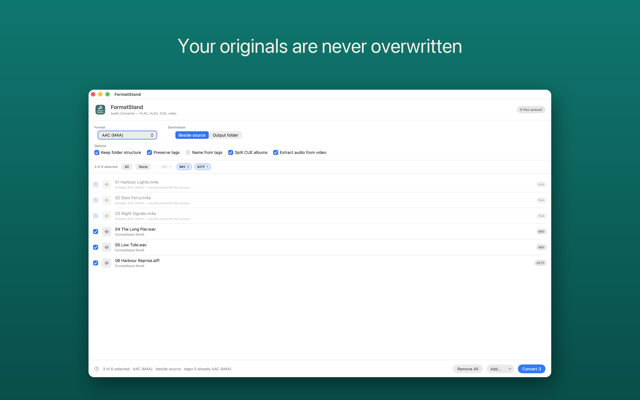
No accounts, no analytics, no network access. Files are read only where you point the app. Originals are never overwritten.
Built by the same team as SheetStand and Dashwell’s privacy-first apps — a separate Mac product for audio, not a finance feature.
Requires macOS 15.6 and later. One-time App Store purchase — no subscription, no in-app purchases, no account.
Questions about FormatStand? Visit support or email info@dashwellsolutions.com.