

Sheet music library & practice stand
iPad-first · Mac & iPhone · Version 2.0 on the App Store
Copy your PDF sheet music in, organize by title and composer, and play full-screen at the piano — now with a metronome, backing tracks, and MIDI keyboard play-along.
New in 2.0
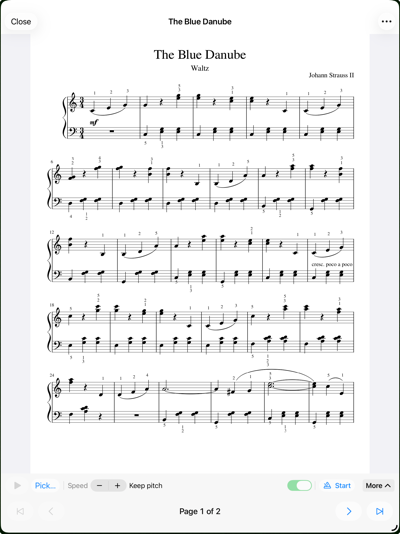
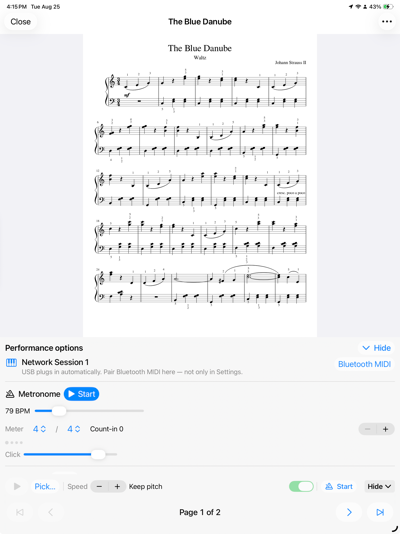
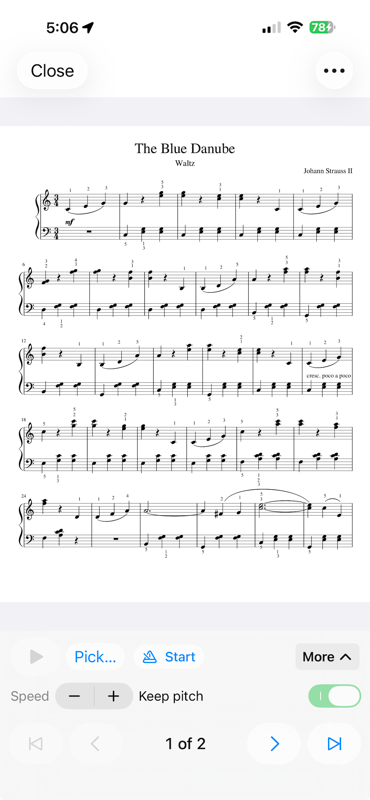
SheetStand 2.0 adds performance audio to the full-screen viewer. A compact transport sits above the page controls, so you can start a backing track, slow it down, and turn pages without opening a panel — and Hide gives the score the whole screen back.
Scheduled against the audio clock, so it stays steady with a backing track over a whole movement — not just a few bars. Time signature and count-in bars, with a dot per beat.
Attach a track to a piece or open one ad hoc. MP3, M4A, WAV, and AIFF all work, as do Standard MIDI files — rendered offline with the piano you select.
Slow a passage down without the chipmunk effect. Keep pitch is the default; tape-style pitch shift is there when you want it.
Play a USB-C or class-compliant keyboard over CoreMIDI and hear it in the app. Bluetooth MIDI pairs inside the app on iPad and iPhone, and in Audio MIDI Setup on Mac.
Sustain pedal including half-damper, plus all-notes-off so nothing hangs when you stop.
A grand piano is bundled (FreePats YDP Grand, CC BY 3.0). Import your own SF2 SoundFont and pick the bank if you would rather use it.
Tempo, meter, and count-in are saved with the score and follow it across your devices.
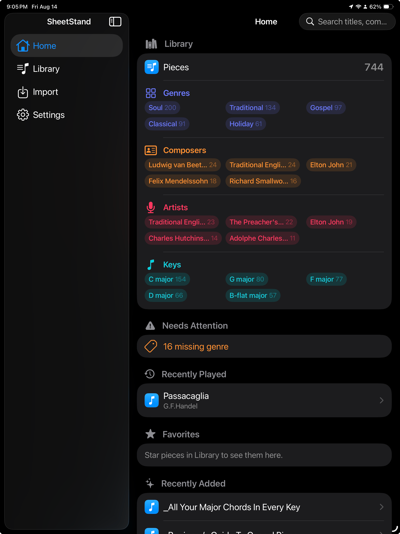
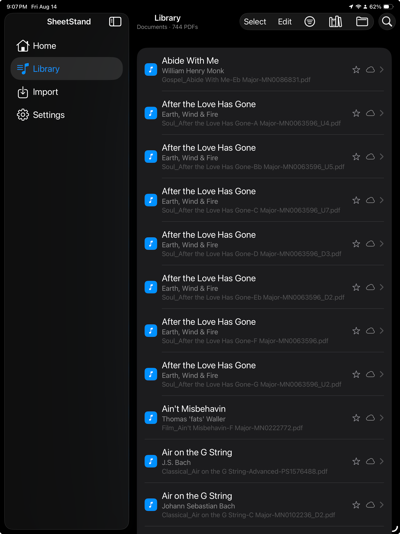
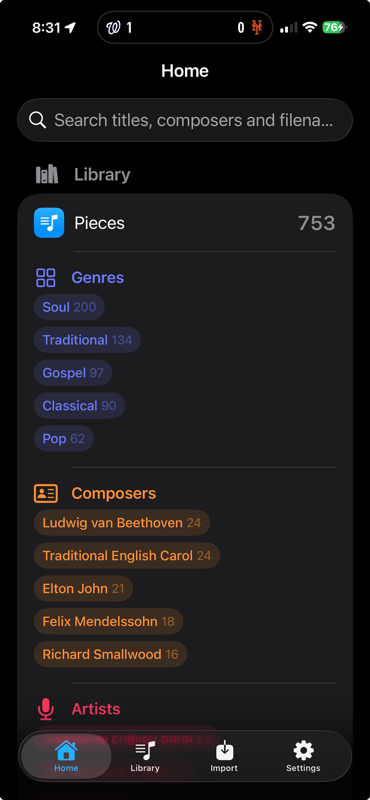
Library and Home show when a score arrived, and sort by Date Added with the newest first. Notes now preview in the Library list.
Better extraction from engraved lead sheets, “By”-prefixed titles, and Playground stamps.
Shift-click to select a range, ⌘1–⌘4 to switch modes, a proper Help menu, and Export PDF for the User’s Guide. Spacebar starts and stops the backing track.
Everything 1.0 did, still the point of the app — a searchable catalog of the PDFs you already own, not another cloud subscription.
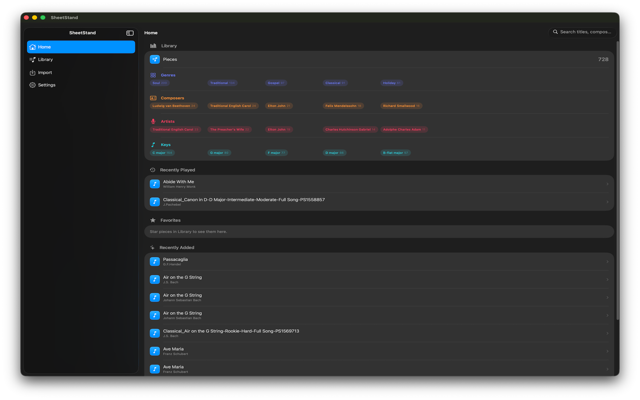
Add Folder copies sheet-music PDFs into SheetStand’s own library and builds a searchable catalog. Your originals stay exactly where they are.
On-device extraction works cheapest-first — PDF metadata, then text, then OCR, then heuristics — and every field carries a source and confidence badge.
Nothing is renamed silently. Only confirmed pieces can be renamed, with a dry-run preview first and a variant suffix instead of overwriting on a collision.
iPad-first viewer with tap page turns, keep-awake, and pinch zoom — built for the music stand, not the couch.
With iCloud on, your library lives in SheetStand’s own iCloud Drive folder, and two devices on the same Apple ID pick up confirmed metadata once it syncs. With iCloud off, everything stays on the device. There is no SheetStand account either way.
One native SwiftUI codebase. iPad is the primary stage; Mac and iPhone share the same library tools.
Requires iPadOS or iOS 17.0 and later, or macOS 15.6 and later. One-time App Store purchase — no subscription, no analytics SDK, no account.
Questions about SheetStand? Visit support or email info@dashwellsolutions.com.
SheetStand organizes PDF copies you already have. It does not sell sheet music, grant performance or recording rights, or replace the printed edition — always verify titles and credits against the score.