

Find What Matters, Faster — For Complex Excel & CSV Data
for macOS & iPad
Available now on the App Store
Built for speed — surface the numbers that matter and make timely decisions, whether you're tracking a portfolio or any other spreadsheet.
Portfolio mode
Monitor your investments with customizable widgets and real-time data.
Import positions from Fidelity, Schwab, and other brokers via CSV.
Track cost basis and gains/losses with FIFO and weighted average methods.
Track earnings dates, dividend payments, and option expirations.
Custom mode
Turn any CSV or Excel file into its own dashboard — inventories, collections, and more.
Create, reorder, and manage multiple named data spaces, each with its own columns and rows.
Column types (Text, Number, Currency, Date, URL, Email) auto-detect on import and power widgets like Data Summary and Date Timeline.
Attach files to any row — receipts, photos, and documents live right alongside your data.
🔒 Private & secure — all data stored locally on your device, in both modes. No cloud sync required.
Dashwell Portfolio Creator is now available on both Mac and iPad — build dashboards from Excel & CSV data wherever you work.
Available on Mac App Store
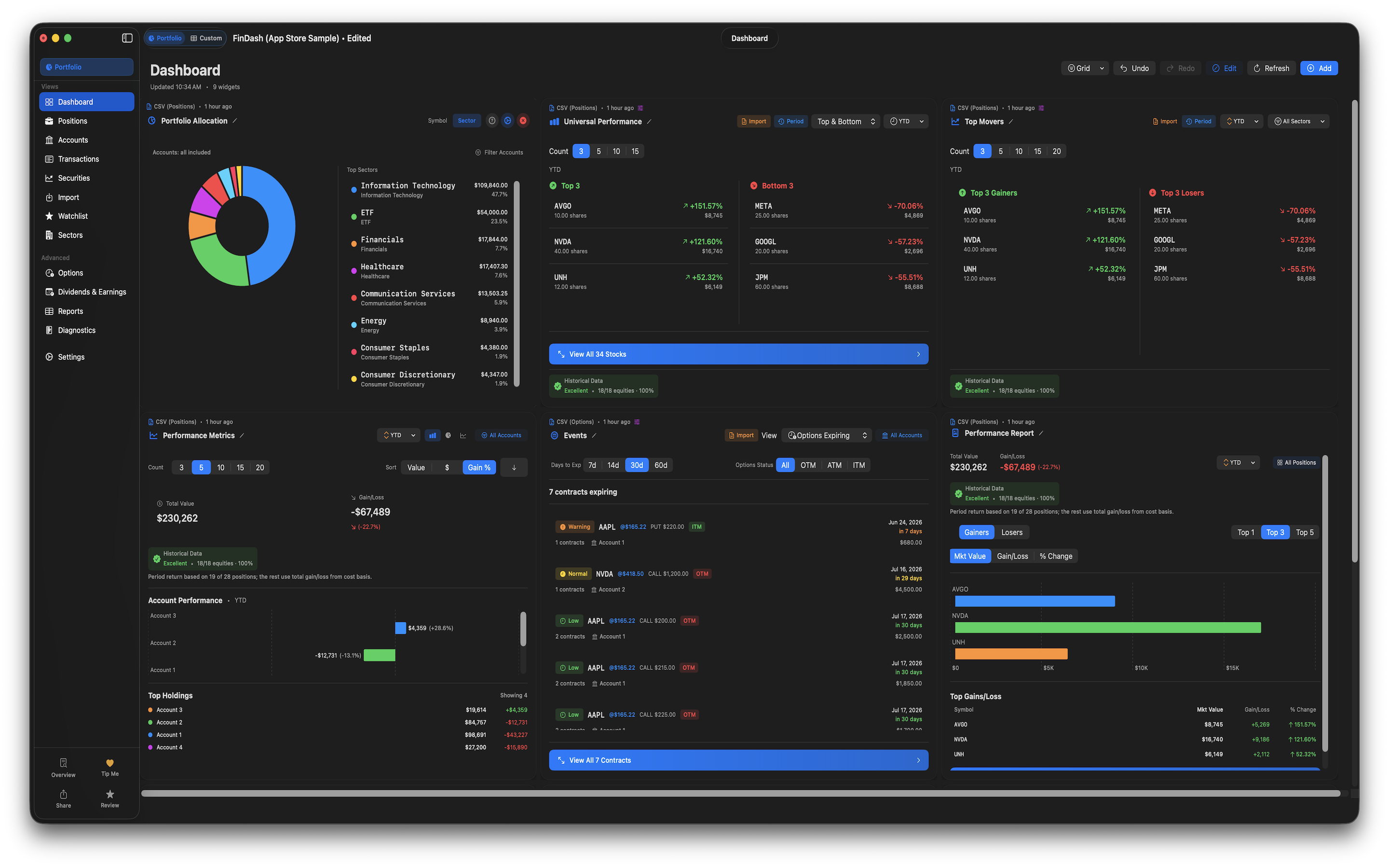
Import broker CSVs, track tax lots and options, and build a drag-and-drop portfolio dashboard — 100% local on your Mac.
Available on App Store
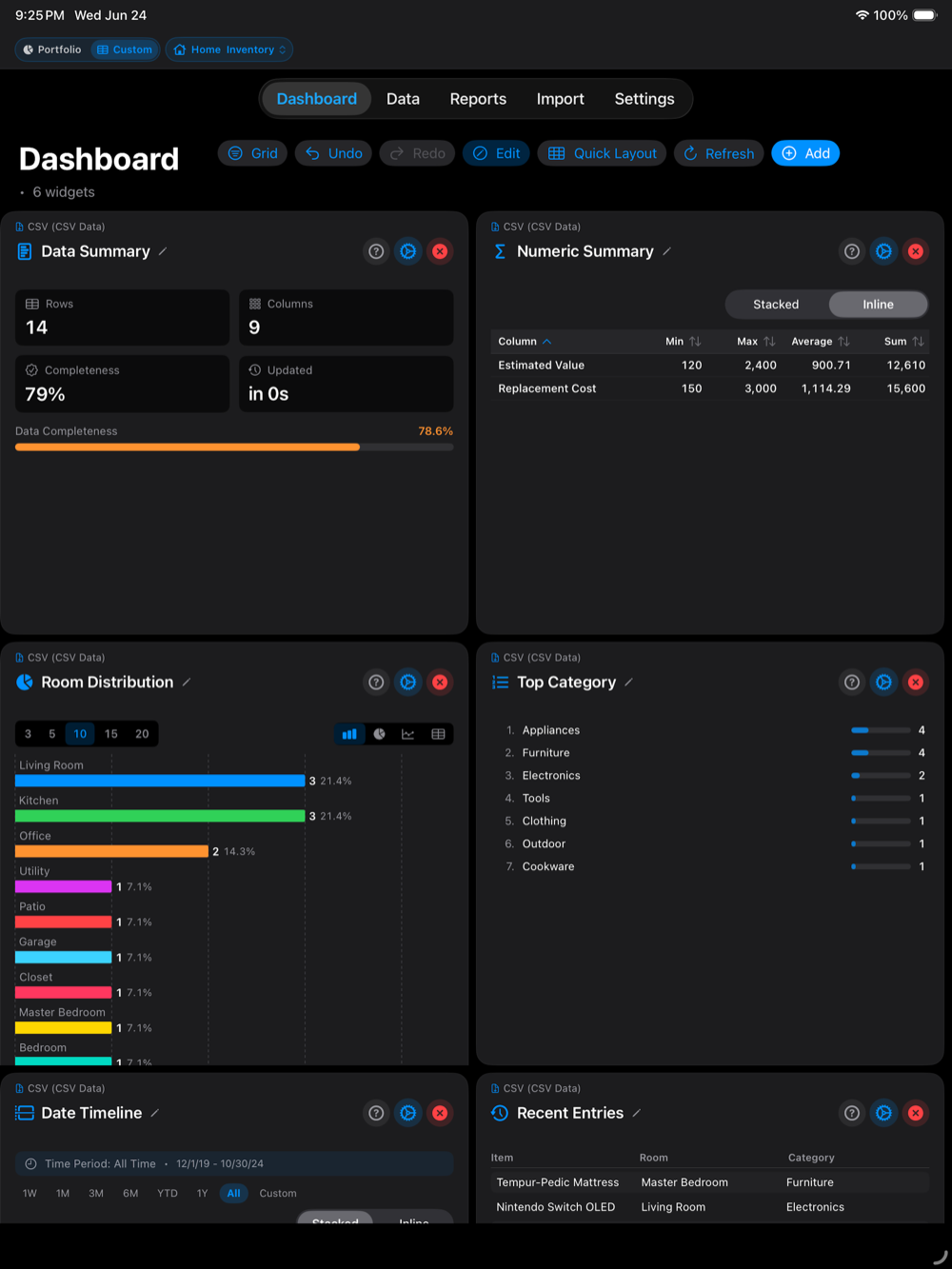
The same dashboard tools, rebuilt for iPad with a native touch interface. Import Excel & CSV data and build dashboards on the go.
Two modes, one app — Portfolio for broker CSVs and Custom for your own spreadsheets.
Portfolio mode
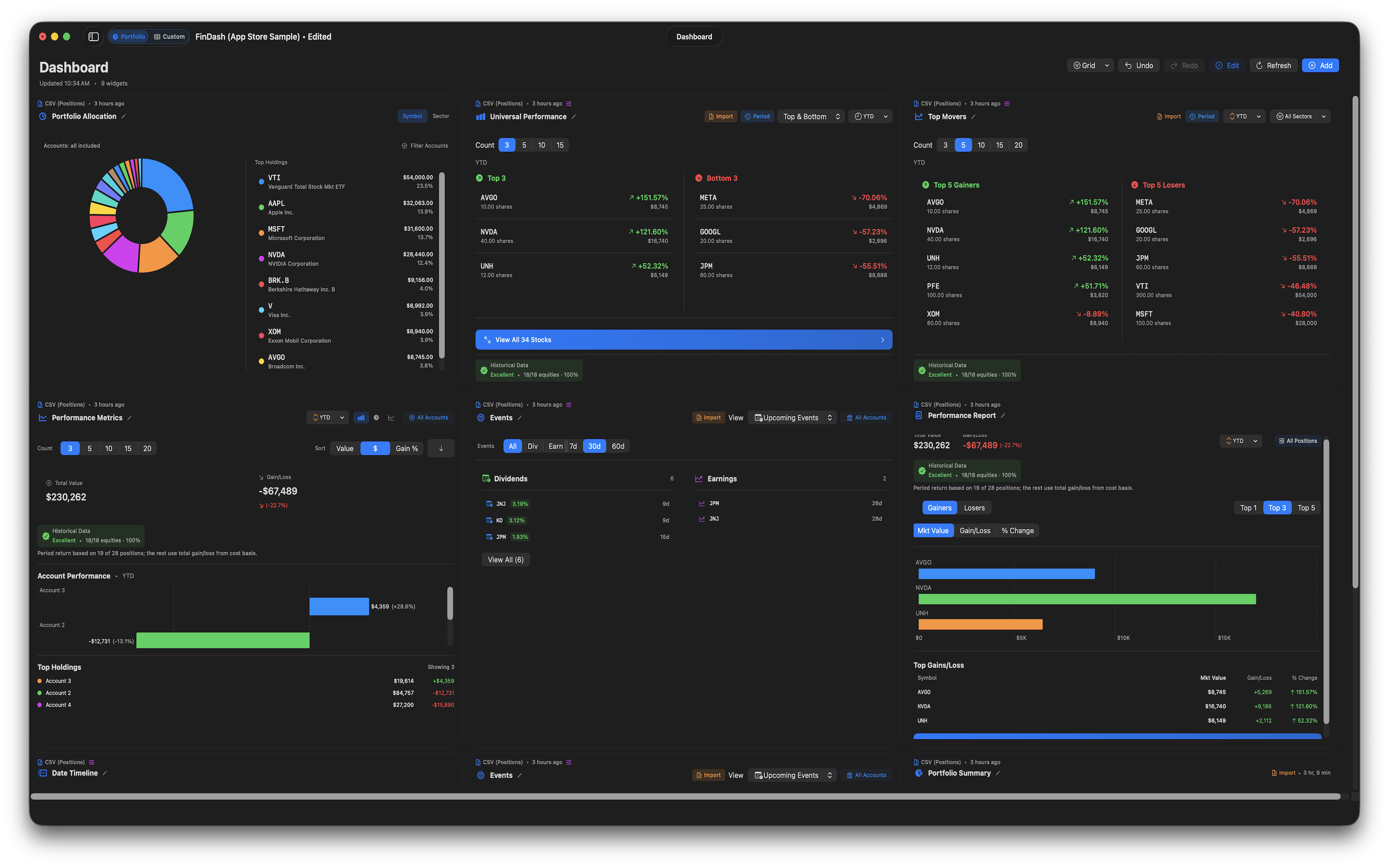
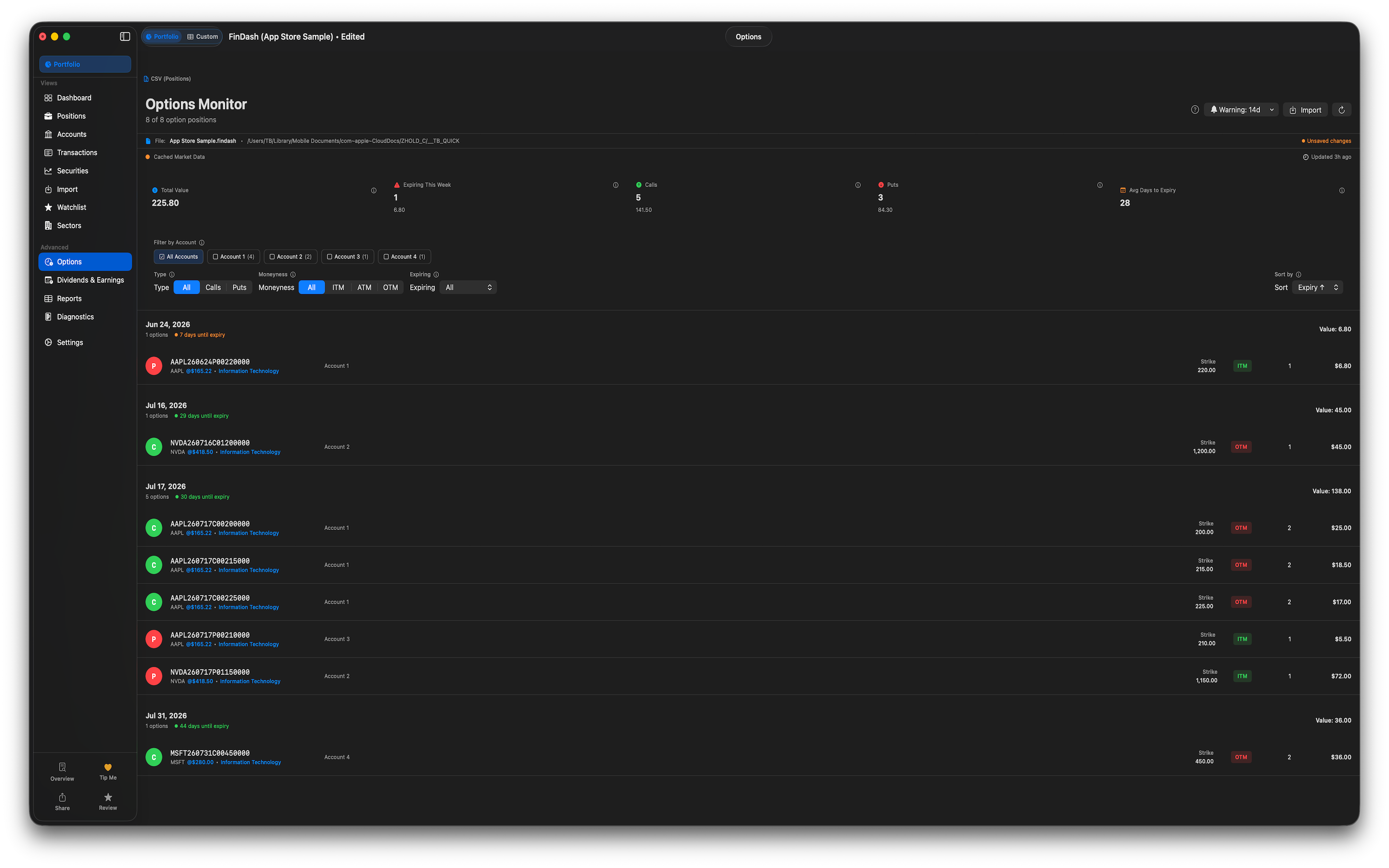
Custom mode
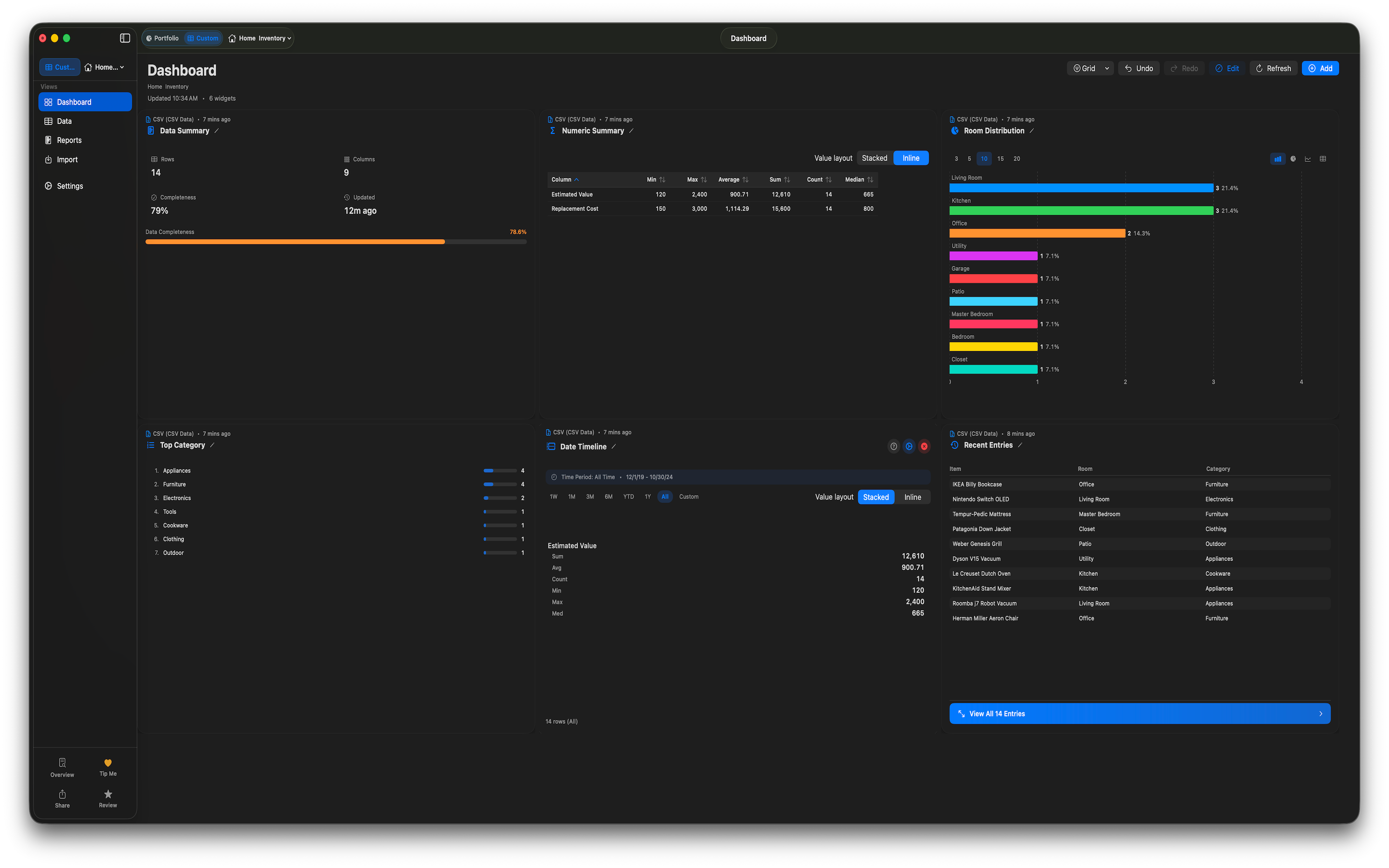
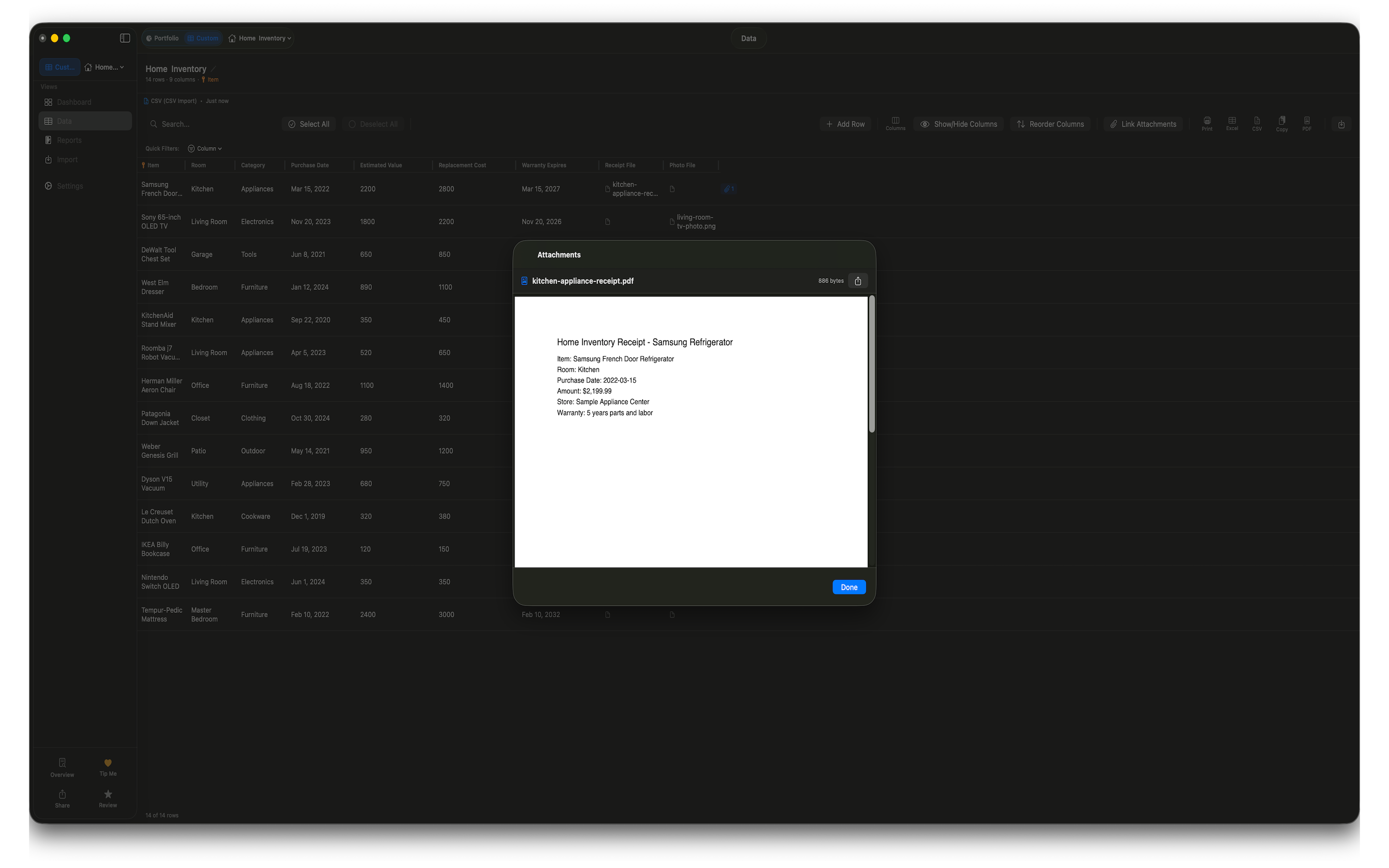
Import broker CSVs into Portfolio mode, or build Custom dashboards from any table — optional API keys add delayed quotes; your data stays on your Mac unless you enable iCloud sync.
Need help or have questions? We're here for you.
or email info@dashwellsolutions.com
Dashwell Solutions is a trade name of Dashwell LLC, a Virginia limited liability company.